Most SOP projects die in a folder nobody opens. Here is how to write standard operating procedures your team actually uses, built on a four step order I call Capture, Compress, Assign, Retire. Same approach I used to document operations across 280 offices.
Your business runs on procedures. Most live in your head, which makes you the bottleneck. Learning how to write standard operating procedures gets them out, in a form your team will actually open.
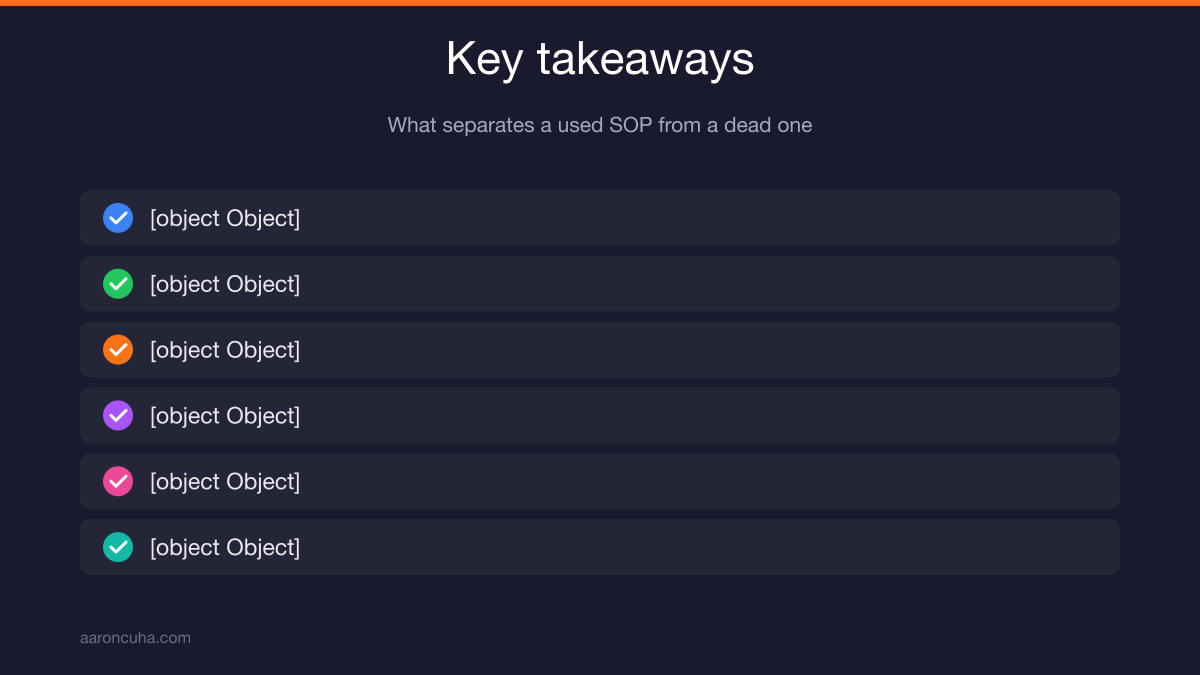
Key Takeaways
- Record the task once while doing it. Never write an SOP from memory.
- Compress every procedure to one screen, 7 to 12 action steps.
- Assign one named owner and one trigger, not a department.
- Delete steps that exist only because of one old mistake.
- Store the checklist inside the tool where the work happens.
If your processes still live in your head, start with a plan for what to hand off first. Grab the free systems and delegation downloads and work through this article with a real task in front of you.
Why Most SOP Projects Die Before Anyone Uses Them
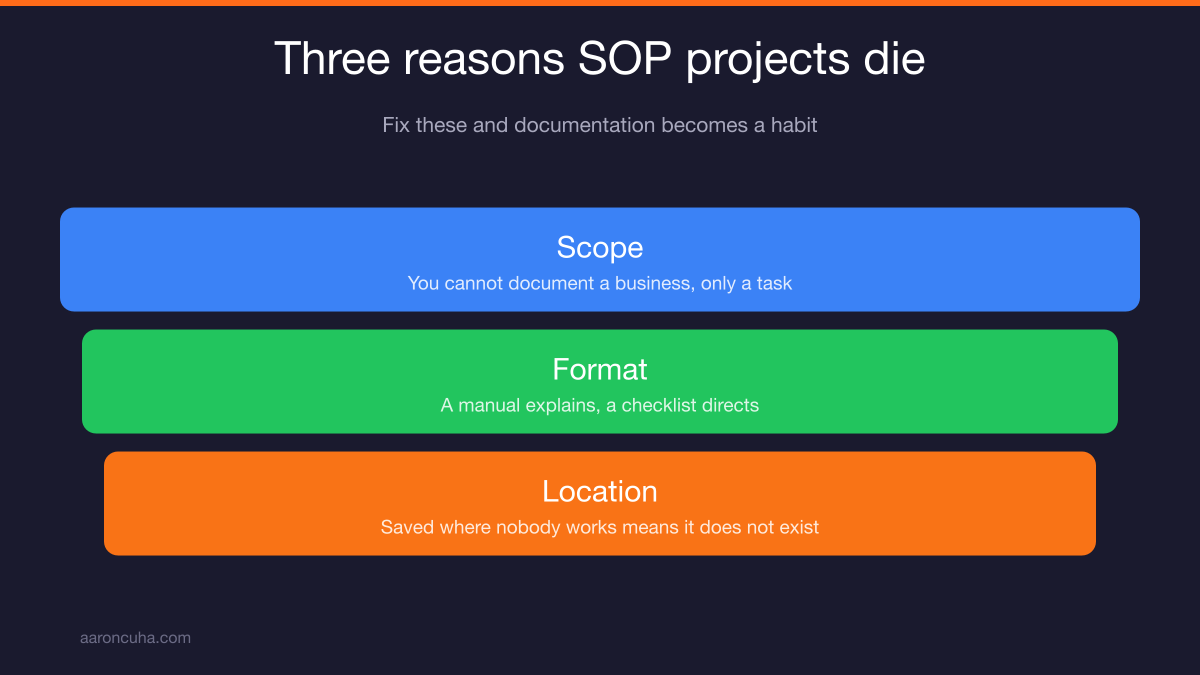
SOP projects die for three reasons: owners try to document everything at once, they write manuals instead of checklists, and they store the finished files somewhere nobody works.
I have watched this happen for twenty thousand hours of coaching. An owner gets fired up on a Sunday, opens a blank doc, and decides this is the week the whole business gets documented.
By Wednesday there are four half-finished pages and a lot of guilt.
Failure pattern one is scope. You cannot document a business. You can document one task. The people who succeed pick a single repeated task and finish it.
Failure pattern two is format. A manual explains. A checklist directs. Your team does not need the philosophy of lead follow-up. They need the eleven things to do when a lead comes in.
Failure pattern three is location. A perfect procedure saved in a folder three clicks deep in a drive nobody opens is a procedure that does not exist.
Fix those three and documentation stops being a project and becomes a habit.
What a Standard Operating Procedure Actually Is
A standard operating procedure is a repeatable set of steps that produces the same result no matter who performs it. It tells someone what to do and in what order. Nothing more.
People confuse three different documents, and the confusion is why their SOPs get bloated.
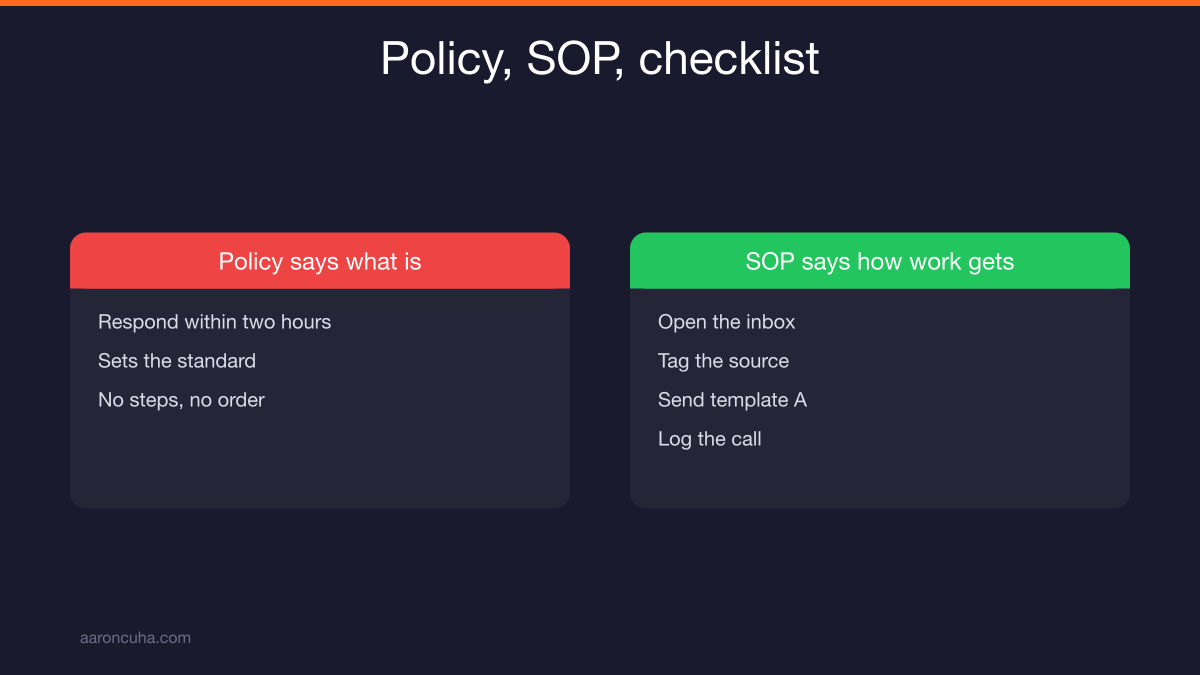
- A policy says what is allowed. "We respond to every inquiry within two hours."
- An SOP says how the work gets done. "Open the inbox, tag the source, send template A, log the call."
- A checklist is a memory aid for someone who already knows the job.
A good SOP is a checklist with enough context that a new person can follow it without asking you a question.
Every usable SOP has four parts in the header:
- Name of the procedure in plain language, starting with a verb.
- The trigger that tells someone to run it.
- The owner, one human being by name.
- The review date, so it does not rot silently.
If your document is missing any of those four, it will drift out of use within a quarter. I have never seen an exception.
How to Write Standard Operating Procedures in Four Steps
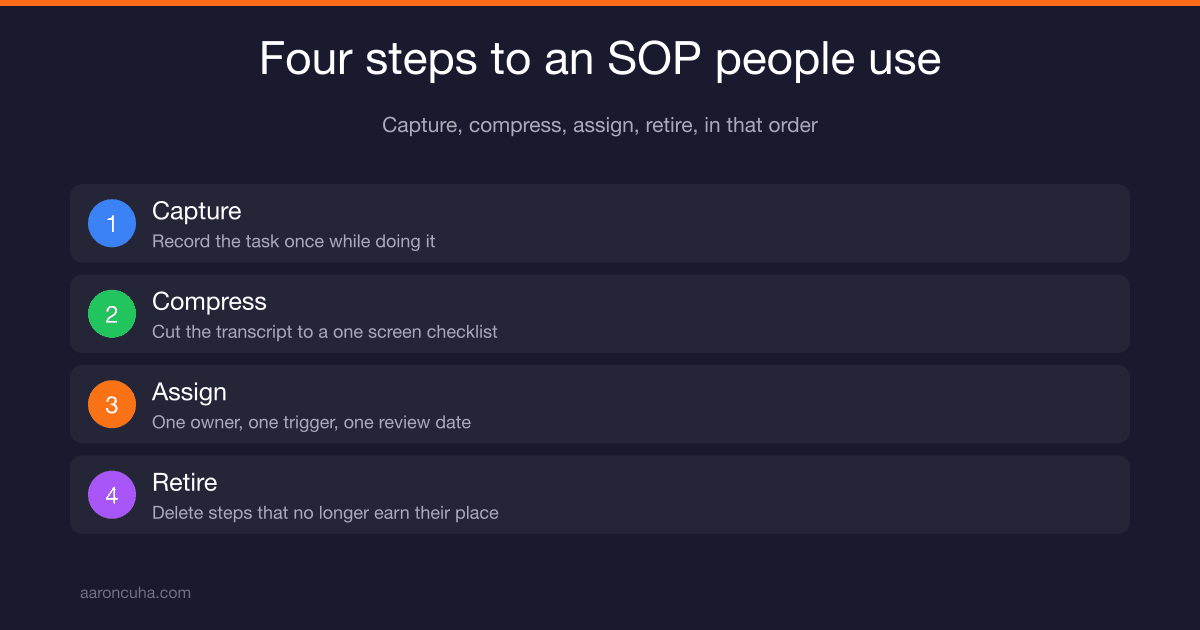
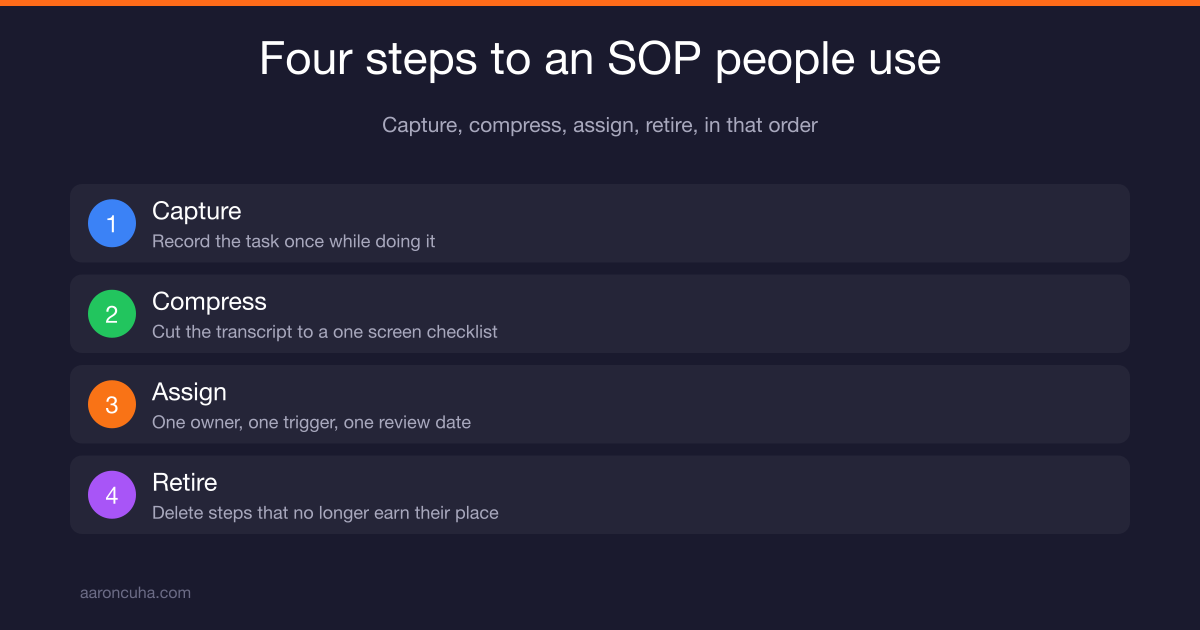
Here is how to write standard operating procedures that survive contact with a real team: Capture, Compress, Assign, Retire. Do them in that order. The order matters more than the template.
Most people start at Compress. They sit down to write from memory, and memory lies. You forget the small decision points that trip up a new person, because you stopped noticing them years ago.
Others start at Assign. They hand a task to someone with a vague "just follow what I do," and then get pulled back in every time something goes sideways.
The four steps in order:
| Step | What you do | Time it takes |
|---|---|---|
| 1. Capture | Record yourself doing the task once, narrating | Length of the task |
| 2. Compress | Cut the transcript to a one screen checklist | 15 to 30 minutes |
| 3. Assign | Name one owner, one trigger, one review date | 5 minutes |
| 4. Retire | Delete steps that no longer earn their place | Quarterly, 30 minutes |
That is under an hour per procedure for most tasks. Ten procedures is ten hours. Ten hours buys back your calendar for years.
Step One: Capture the Task While You Do It
Record yourself doing the task one time, at normal speed, narrating what you are doing and why. Screen capture plus voice. Do not slow down and do not rehearse.
This single habit is the difference between documentation that works and documentation that wastes a weekend.
When you write from memory, you skip. You write "check the file for completeness" because in your head that is one action. In reality it is six checks, three of which only you know about.
The recording catches all six.
How to capture well:
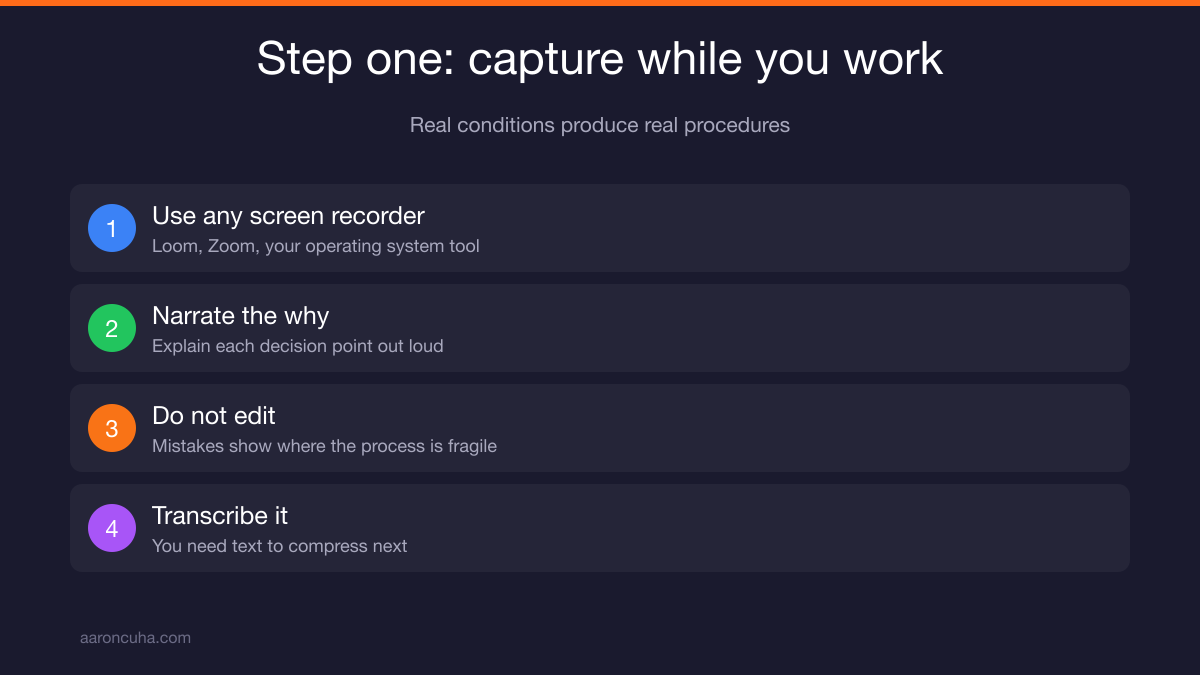
- Use any screen recorder you already have. Loom, Zoom, your operating system tool. The tool does not matter.
- Narrate the why on decision points. "I am tagging this as warm because the message mentioned a timeline."
- Do not edit. Mistakes in the recording are useful. They show where the process is fragile.
- Run the transcript through a transcription tool so you have text to compress.
One rule: capture the task the next time it naturally comes up, not on a Saturday when you are trying to remember it. Real conditions produce real procedures.
If the task is done by someone on your team rather than by you, have them record it. They know the actual process, which is often different from the one you think exists.
Step Two: Compress It to One Screen
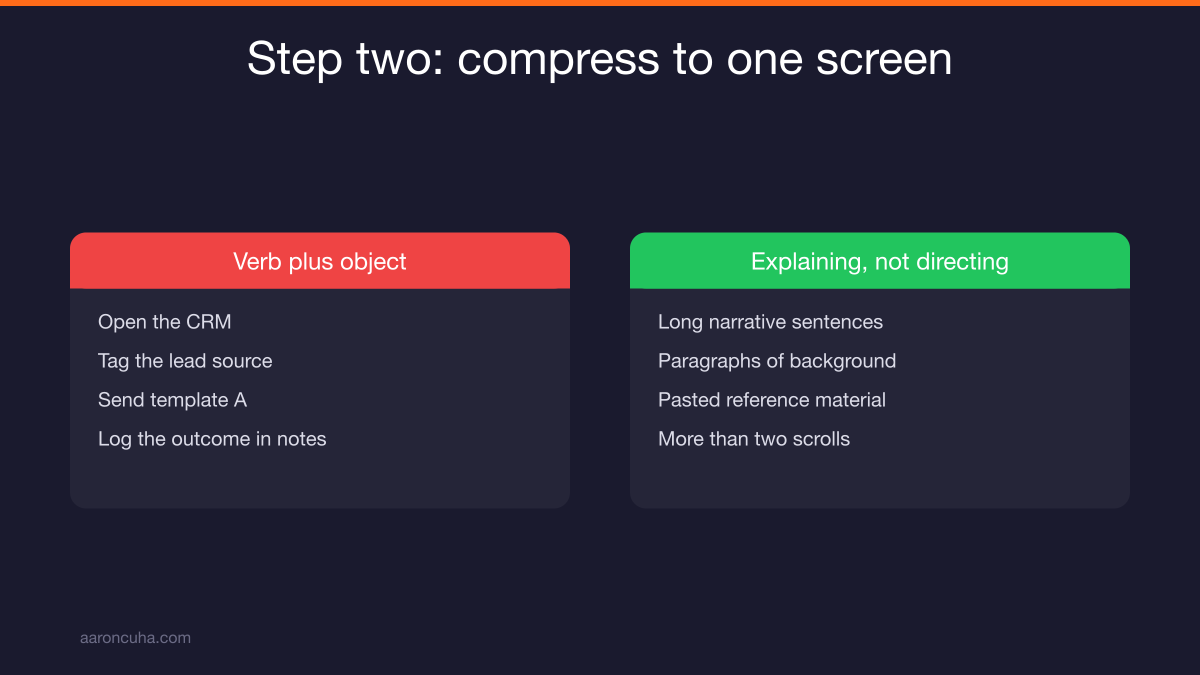
Take the transcript and cut it to 7 to 12 action steps that fit on one screen. Each step starts with a verb and names an object. No paragraphs.
Compression is where the real work happens. A twelve minute recording produces maybe fifteen hundred words of transcript. Your finished SOP should be under two hundred.
Format every step as verb plus object. "Open the CRM." "Tag the lead source." "Send template A." "Log the outcome in the notes field."
Not: "The next thing you will want to do is make sure that the lead has been properly categorized according to where it came from."
Apply the two-scroll rule. If a person has to scroll more than twice to see the whole procedure, it is too long. Either you have combined two procedures into one, or you are explaining instead of directing.
When a step needs deep background, link out instead of pasting in. Link to the pricing sheet. Link to the brand guide. Link to the recording you made in step one. Keep the checklist itself clean.
Three compression tests before you publish:
- Can someone who has never done this task follow it without texting you?
- Does every step start with a verb?
- Did you delete every sentence that explains rather than instructs?
This same discipline applies to how you build any repeatable output in your business. If you want the wider version, read how to build content systems that publish consistently without burning you out.
Step Three: Assign One Owner and One Trigger
Every SOP needs one named human owner and one clear trigger. Not a department. Not a role. A person, by name, and the exact event that starts the procedure.
Role-only ownership fails because roles do not feel accountable. "Operations owns this" means nobody owns it. When something breaks, three people each assume the other one had it.
Write it like this at the top of the document:
- Owner: Maria (Operations Coordinator)
- Trigger: A new inquiry hits the shared inbox
- Reviewed: January 2026. Next review: July 2026.
Keep the role in parentheses so the SOP survives turnover. When Maria leaves, you change one name.
The trigger is the part people skip, and it is the part that makes procedures fire on their own. An SOP without a trigger only runs when you remember to tell someone to run it. That is not a system. That is you, again.
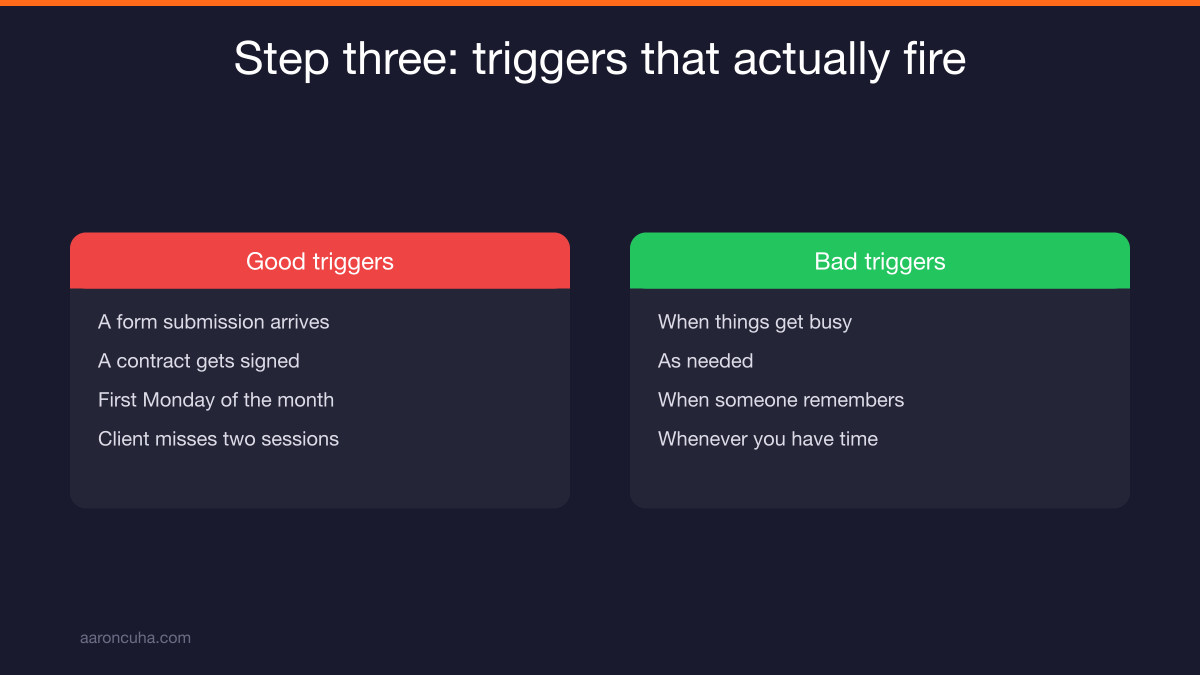
Good triggers are observable events:
- A form submission arrives
- A contract gets signed
- It is the first Monday of the month
- A client misses two sessions in a row
Bad triggers are feelings. "When things get busy." "As needed." Those never fire.
The review date does one job. It forces a human to look at the document twice a year and confirm it still matches reality. Software changes. Pricing changes. Procedures that do not get reviewed become fiction, and fiction destroys trust in the whole library.
Step Four: Retire the Steps Nobody Needs
Every quarter, read your SOPs and delete steps that exist only because someone made a mistake once. I call these scar tissue steps. They are the main reason procedures grow until nobody follows them.
Here is how scar tissue forms. Something goes wrong. A client gets billed twice. You add a verification step. Fair enough.
Two years later, the billing software has changed, the double-billing problem is impossible, and that verification step is still there. Now it takes four minutes a day for no reason.
Multiply that by every mistake your company ever made and you get a fifty step procedure for a ten step job. Then people start skipping steps quietly, and once they skip one they stop trusting all of them.
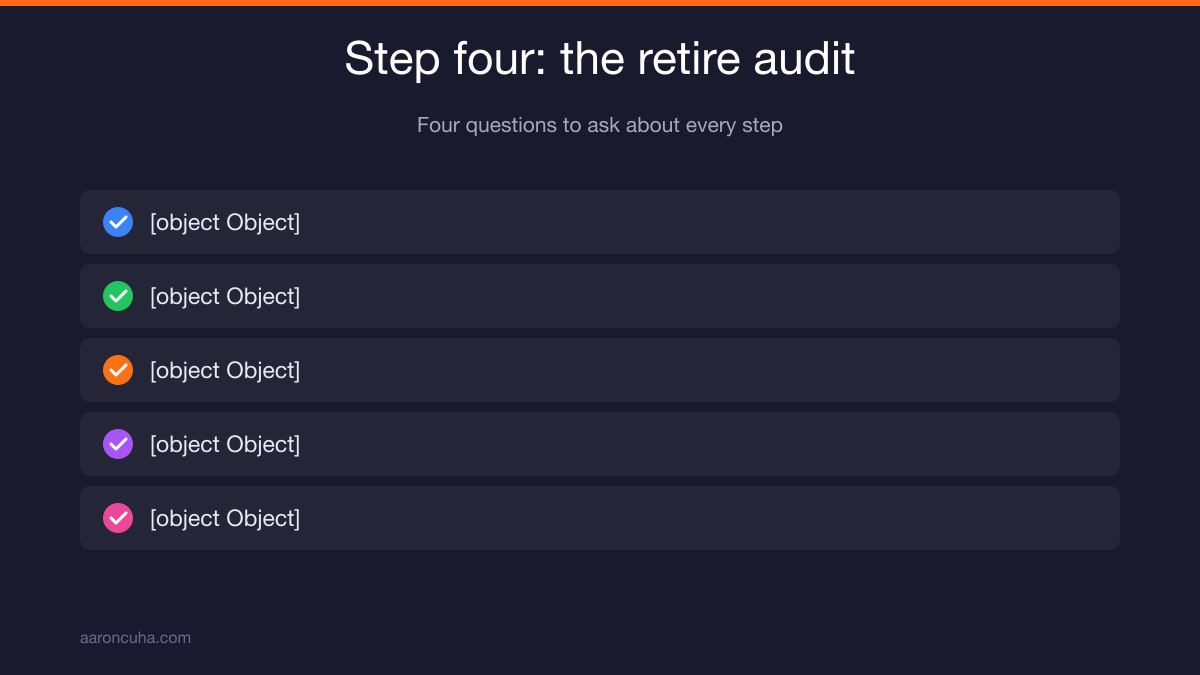
The retire audit, four questions per step:
- Why does this step exist? If nobody knows, that is a candidate.
- What breaks if we remove it? If the answer is vague, remove it.
- Does a tool now handle this automatically?
- Has the problem this step prevents happened in the last year?
Delete aggressively. You can always add a step back. You cannot get back the hours your team spent doing something pointless.
Short procedures stay alive. Long procedures get ignored. Length is not thoroughness. Length is neglect.
Where to Store SOPs So People Actually Open Them
Put the checklist inside the tool where the work already happens. If the task lives in your CRM, the SOP belongs in the CRM. Distance between the procedure and the work kills adoption.
The best documentation system is the one your team hits by accident while doing their job.
| Storage option | Best for | Weakness |
|---|---|---|
| Inside the tool (CRM, project board) | Task level checklists | Hard to search across the company |
| Shared wiki or knowledge base | Full library, onboarding | People forget to open it |
| Cloud docs folder | Small teams starting out | Version confusion, buried files |
| Video library only | Nuanced or visual tasks | Cannot scan, cannot update fast |
The practical answer for most small teams is both. Keep the master library in one place so there is a single source of truth. Then paste the checklist itself into the task template where the work runs.
Name files so people find them without guessing. Use a consistent pattern: Verb, Object, Team. "Onboard New Client, Ops." "Publish Weekly Video, Marketing."
Never keep two live copies of the same procedure. The moment there are two, one is wrong and nobody knows which.
Ready to stop being the person every question routes through? Book a strategy session and we will map which processes leave your head first.
What to Document First (and What to Skip)
Document a task if it passes all three filters: it repeats, someone other than you could do it, and it costs money or trust when done wrong. If it fails one filter, skip it for now.
Most owners document the wrong things first. They start with something big and impressive, like the annual planning process, which runs once a year and only they will ever do.
Start instead with your three biggest interruptions. Think about last week. What did people interrupt you to ask? Those questions are procedures that do not exist yet.
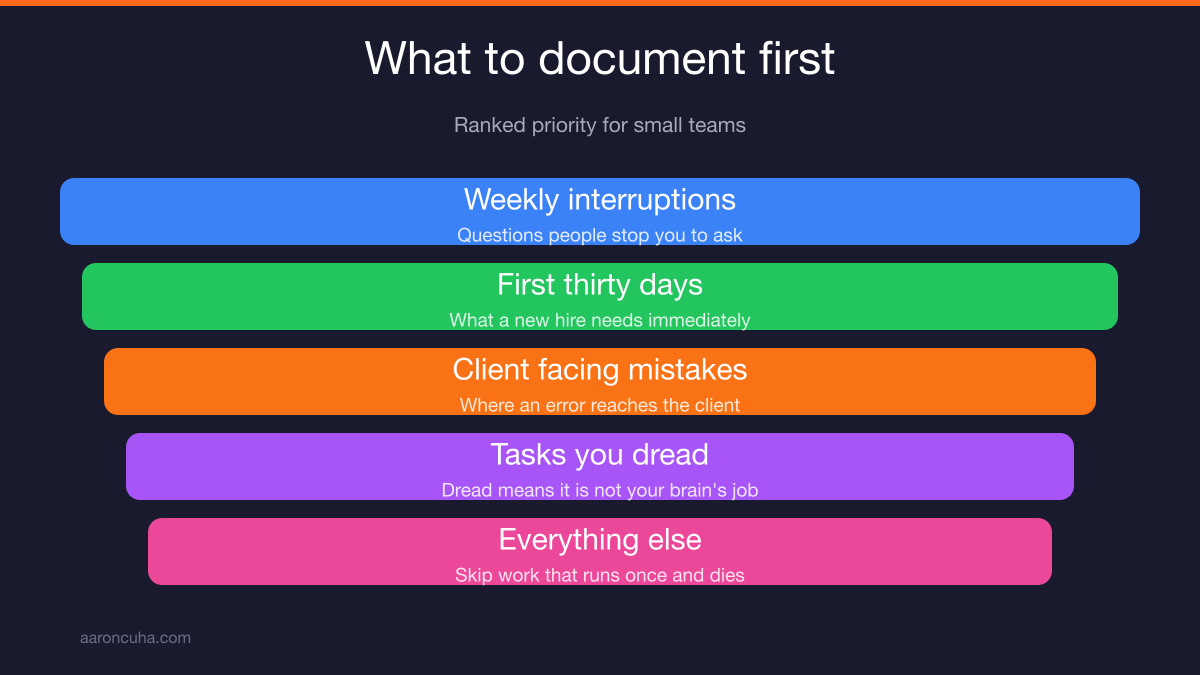
Ranked priority list:
- Tasks that interrupt you weekly
- Tasks a new hire needs in their first thirty days
- Tasks where a mistake reaches the client
- Tasks you personally hate doing
- Everything else
Skip anything that runs once and dies. Skip anything that requires judgment you cannot describe in steps. Some work is genuinely yours, and pretending otherwise produces documents nobody can use.
For the deeper decision on what to hand off and when, read how to delegate as an entrepreneur without becoming the bottleneck.
One more filter I use with clients. If a task shows up on your calendar more than four times a month and you dread it, document it this week. Dread is a reliable signal that the work does not need your specific brain.
Using AI to Cut Documentation Time
Use AI to turn transcripts into first-draft checklists. Paste the transcript, ask for 7 to 12 verb-first steps, then edit as the human who knows the business. AI drafts. You decide.
This is the single fastest change you can make to your documentation process. The compress step used to take an hour. Now it takes fifteen minutes plus your judgment.
A prompt structure that works:
- Give it the transcript.
- State the output: "Turn this into a checklist of 7 to 12 steps."
- State the format: "Each step starts with a verb. No explanation. Under 15 words per step."
- State the reader: "Written for a new team member who has never done this task."
Then read every line yourself. AI cannot tell you which step is scar tissue. It cannot tell you which client relationship makes step four different. It does not know what broke in your business two years ago.
Keep the human judgment layer. The tool handles transcription, structure, and cleanup. You handle exceptions, owners, and what to delete.
If you want a broader look at where automation belongs in your operations, see AI business systems and how to automate without losing control. And AI will not replace you, but someone using AI will covers the mindset side.
For a plain-language primer on how these tools handle your business data, the NIST artificial intelligence resource center is a solid, non-hype starting point.
How to Roll SOPs Out Without Resistance
Have the person who does the task write the draft. Ship one SOP per week, not thirty at once. Give the team permission to update the document the moment reality changes.
Resistance to documentation is almost never about the documents. It is about being handed rules by someone who does not do the work.
When the doer writes the draft, three things change. The steps are accurate. The person feels ownership. And you find out how the job actually gets done, which is usually different from what you assumed.
Set a cadence of one procedure per week. Fifty-two procedures a year documents most small businesses completely. Pick a standing thirty minute slot and protect it.
Then install the deviation rule, which is the most useful team agreement I teach:
If you deviate from the SOP, either the SOP is wrong or the deviation is wrong. Fix one of them before the end of the day.
That single rule keeps your library honest. Without it, procedures and reality drift apart until the documents are decoration.
Make updating easy. If changing a step requires a meeting and an approval, nobody will change it, and the document dies. Anyone should be able to edit. Ownership means reviewing changes, not gatekeeping them.
Celebrate the first time someone follows an SOP and finishes without asking you a question. That moment is what you are building toward. Name it out loud so the team understands what good looks like.
Seven SOP Mistakes That Waste Your Time
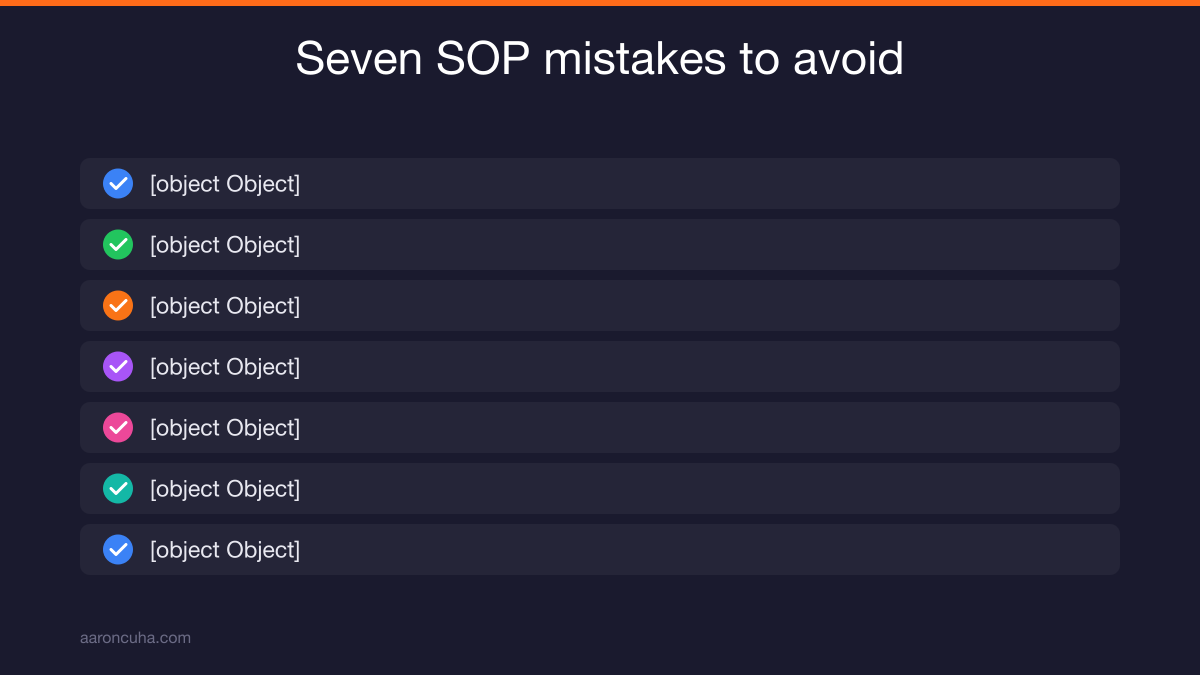
The most common SOP mistakes are length, missing owners, passive voice, no trigger, video-only documentation, perfectionism, and never retiring old steps. Each one quietly kills adoption.
- Too long. If it does not fit on one screen, it will not get read. Split it or cut it.
- No named owner. "The team" owns nothing. One person, by name.
- Passive voice. "The invoice should be reviewed" tells nobody to do anything. Write "Review the invoice."
- No trigger. Without a starting event, the procedure only runs when you remember it.
- Video only. Video is great for capture and terrible for reference. Nobody scrubs a twelve minute video to find step nine. Pair video with a written checklist.
- Perfectionism. A rough SOP in use beats a polished one in draft. Publish at 80 percent and let the team fix it.
- Never retired. Procedures grow unless someone prunes them. Quarterly audit, no exceptions.
One more that does not fit the list but matters. Do not write SOPs for work you should stop doing entirely. Documenting a bad process just makes the bad process repeatable.
Before you document, ask whether the task should exist at all. Sometimes the right SOP is a delete key.
From Documentation to Real Delegation
Documentation is not the goal. Delegation is. An SOP only pays off when a procedure permanently leaves your head and lands with someone else.
I scaled DirectLender.com to 280 offices and 3,000 employees. That did not happen because I worked harder than everyone. It happened because operational documentation let hundreds of people run the same process without me in the room.
Then I lost the company in the 2008 collapse. Spent a decade doing humanitarian work in Nepal. When I came back and rebuilt as a coach, I rebuilt on the same principle, because it is the only thing that ever scaled anything I have built.
That principle is Systems Over Hustle. Effort does not scale. Systems do.
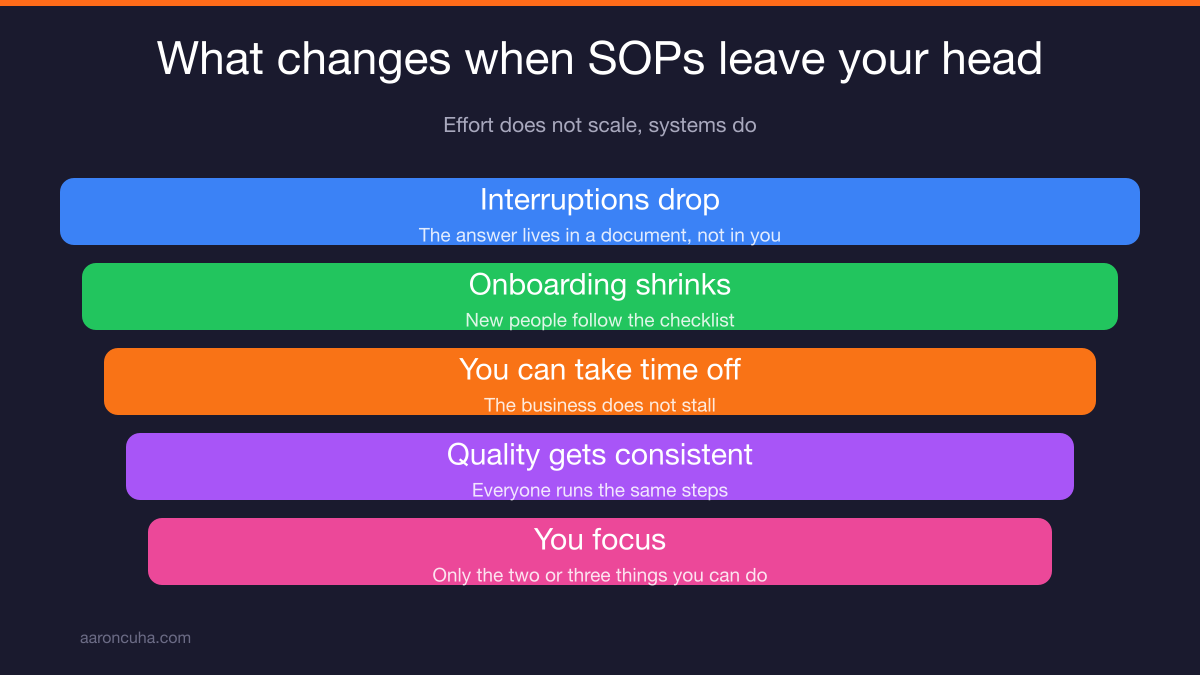
Here is what changes in your calendar when procedures leave your head.
- Interruptions drop, because the answer lives in a document instead of in you.
- Onboarding stops eating your weeks. New people follow the checklist.
- You take time off without the business stalling.
- Quality gets more consistent, because everyone runs the same steps.
- You get to work on the two or three things only you can do.
The U.S. Small Business Administration and your local SCORE chapter both offer free operational planning help if you want outside eyes on your process map.
Start today. Pick the task that interrupted you most this week. Record yourself doing it once. That is step one, and it takes no longer than the task itself.
Then do it again next week. Fifty-two weeks from now you will run a company that does not need you standing over it.
If you want structure and accountability while you build your documentation system, join the Systems Over Hustle community and work through it alongside other owners doing the same thing.
Frequently Asked Questions

Written by
Aaron CuhaAuthor of Crazy Simple YouTube, keynote speaker, and executive coach with 20,000+ hours logged. ICF PCC, NLP Master Practitioner, and DISC Certified. Aaron helps entrepreneurs replace hustle with AI-powered systems that generate leads, content, and revenue on autopilot.