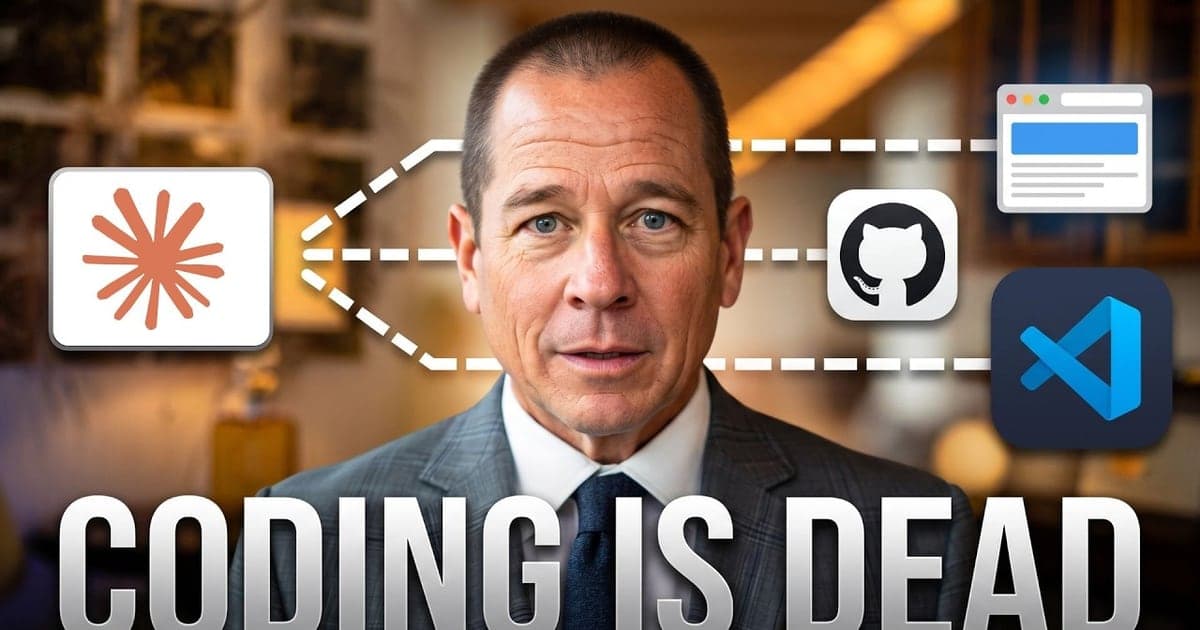
I ran a team of 2,000 developers and I still cannot write a line of code. This Claude AI tutorial for non-programmers shows exactly how I built a website, a YouTube analytics dashboard, and business automations by talking, not typing code.
I ran a team of 2,000 developers and I still cannot write a single line of code. Last week I built a full website, a YouTube analytics dashboard, and automated my business. I just talked to Claude.
Key Takeaways
- An API key is the map to your data. Claude uses it to read and write.
- MCP is the bridge that lets Claude connect to outside tools securely.
- Talk to Claude in user stories, the same way Agile teams brief developers.
- Before any build, ask Claude to ask you every possible question first.
- GitHub stores your code privately. Vercel deploys it every time you change it.
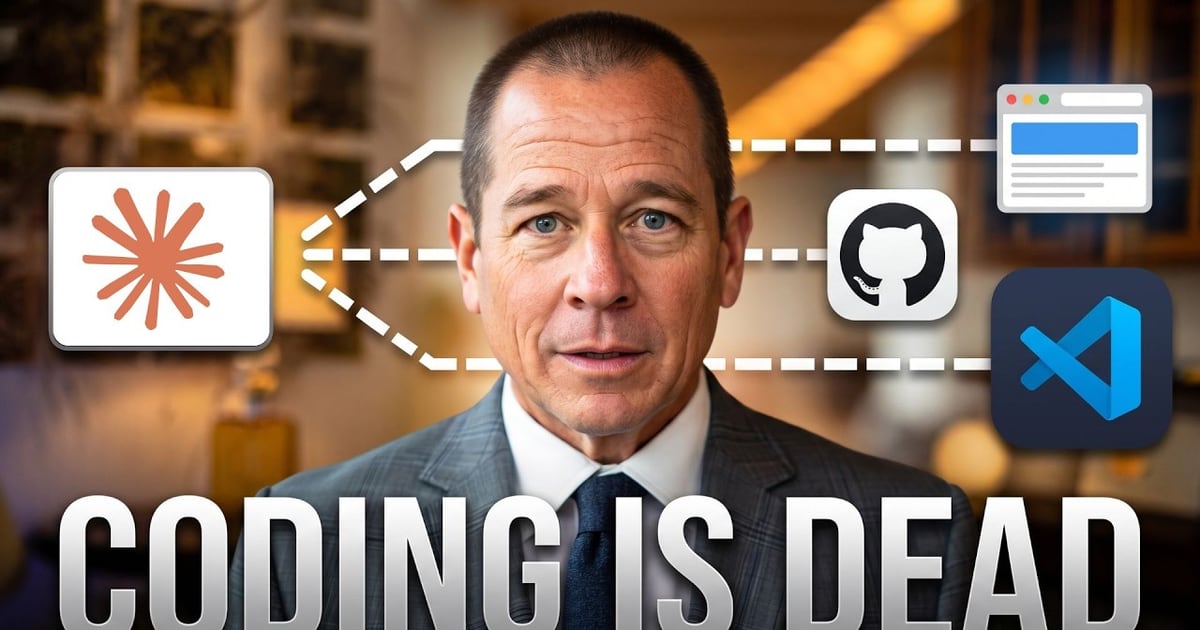
This is the Claude AI tutorial for non-programmers nobody is making, because most people do not know this is even possible. We are not talking about chatting with a bot. We are talking about building real things without code. If you want a coach who has actually done it, book a YouTube strategy session and bring your build list.
What Changed: You No Longer Need to Code
A non-technical person can now build real software by talking to Claude. Last week I built a full website, a YouTube analytics dashboard, and automated systems inside my business. No developer. No agency. No Wix.
I am not a developer. I am not technical. I am a product manager who learned to speak Claude's language.
I used a Claude API key to connect it to my YouTube, my CRM, and my website. All of it. No code, no agency, no website builder.
Most people still believe you need to code to use AI at a serious level. That assumption is already obsolete.
Here is the choice in front of you. You either learn to run Claude like a product manager, or you keep watching people with fewer skills than you build the thing you could have built first.
This is the same principle behind Systems Over Hustle. You are not trying to work more hours. You are trying to build an asset that keeps working after you close the laptop.
What Is an API Key (In Plain English)
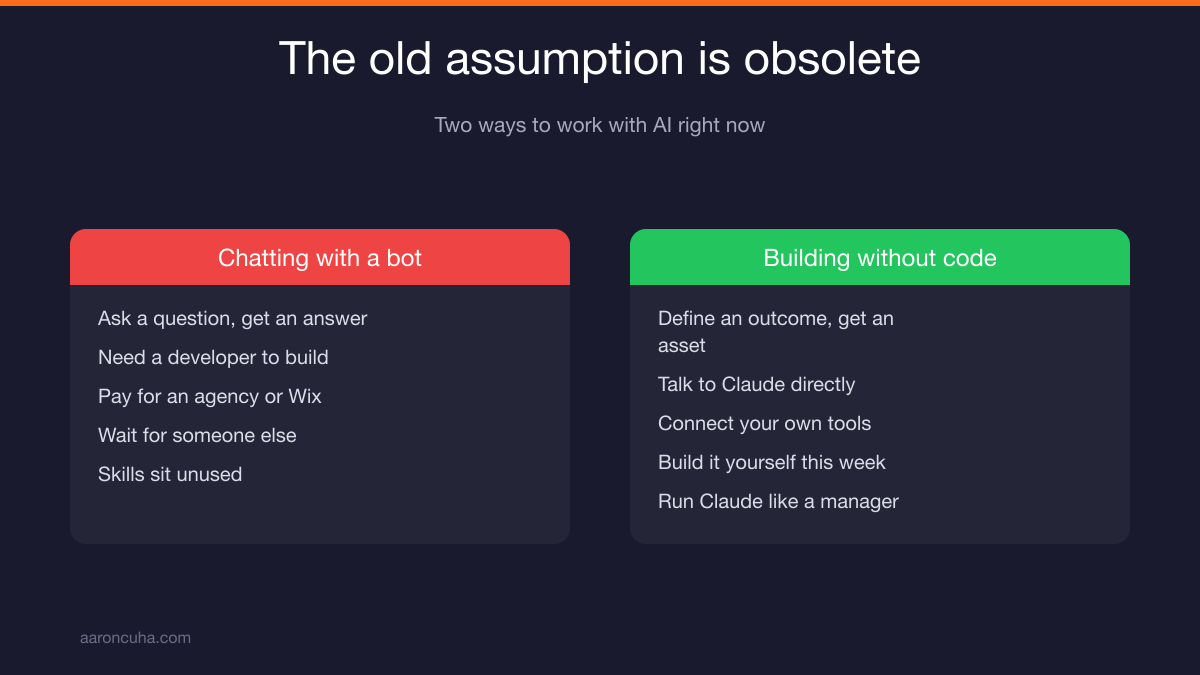
An API is a set of functions that lets one piece of software access another's data. An API key is the map to where that data lives.
The technical term is application programming interface. It is just an interface between one piece of software and another, or one website and another.
Here is the version that actually makes sense. Take a CRM like Follow Up Boss. Inside it you have first name, last name, address, phone number, notes, and a hundred other fields. All of that sits in a database.
Think of that database as an Excel spreadsheet. The API key is the channel to that spreadsheet.
You get an API key from Follow Up Boss and you share it with another piece of software. Now the two can talk back and forth.
- Push: one system writes data into the other.
- Pull: one system reads data out of the other.
- Both: a drip campaign that pulls first name and last name, then pushes activity back.
That is it. That is the whole concept. An API key lets two systems share a spreadsheet without a human copying and pasting.
Once you understand that, the rest of this is easy. You are not learning to code. You are learning to hand Claude the right map.
How to Connect a Claude API Key to Your Tools
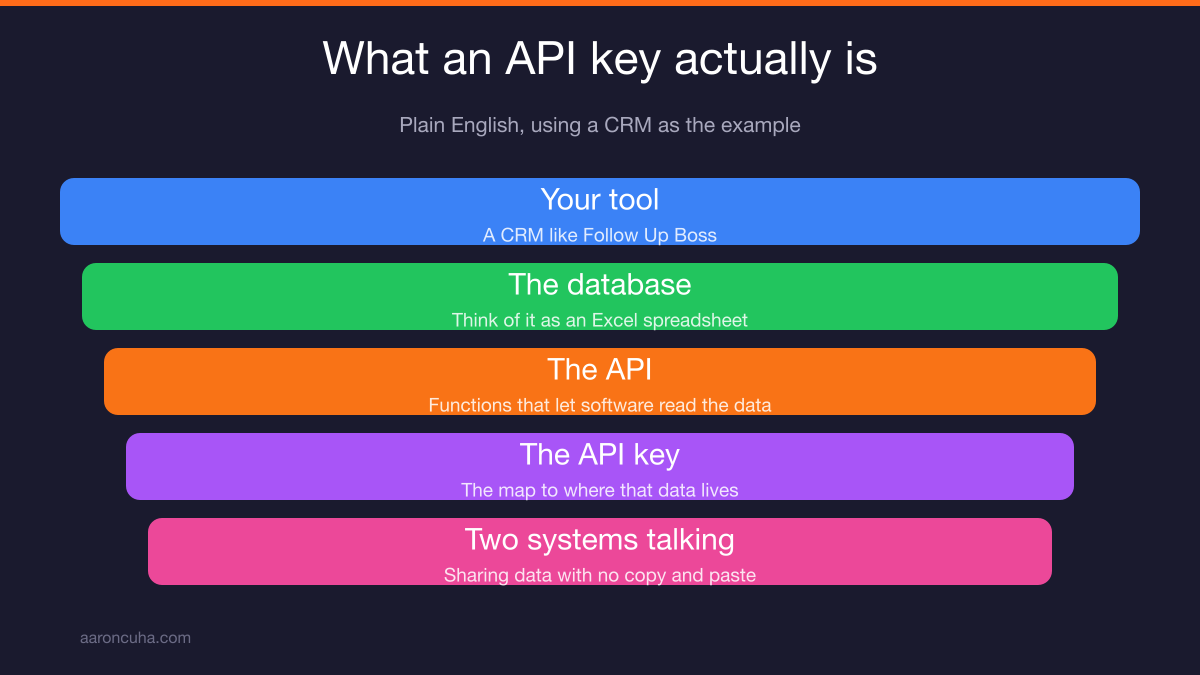
You generate the key inside the tool you want to connect, then you give that key to Claude. Claude does the rest.
Start with something simple like Asana. Go into settings, go into API, and Asana hands you a key.
Now go to Claude and say, "Go into my Asana, look at everything in there, and tell me what is due." That is the whole instruction.
Here is a better example. YouTube has an API, and that key gives me all of the data for everything on my channel.
- Every video
- How many impressions each video got
- How many views each video got
- How many comments each video got
- Every individual comment
I told Claude I wanted it to analyze my YouTube. Claude said, "Give me the API key so I can see everything."
So I created the API key inside YouTube and synced it. Now I have a full dashboard on everything happening in my channel.
That dashboard did not come from a SaaS subscription. It came from a conversation. If you want help reading what that data actually means, start with my YouTube analytics guide.
What Is MCP (Model Context Protocol)
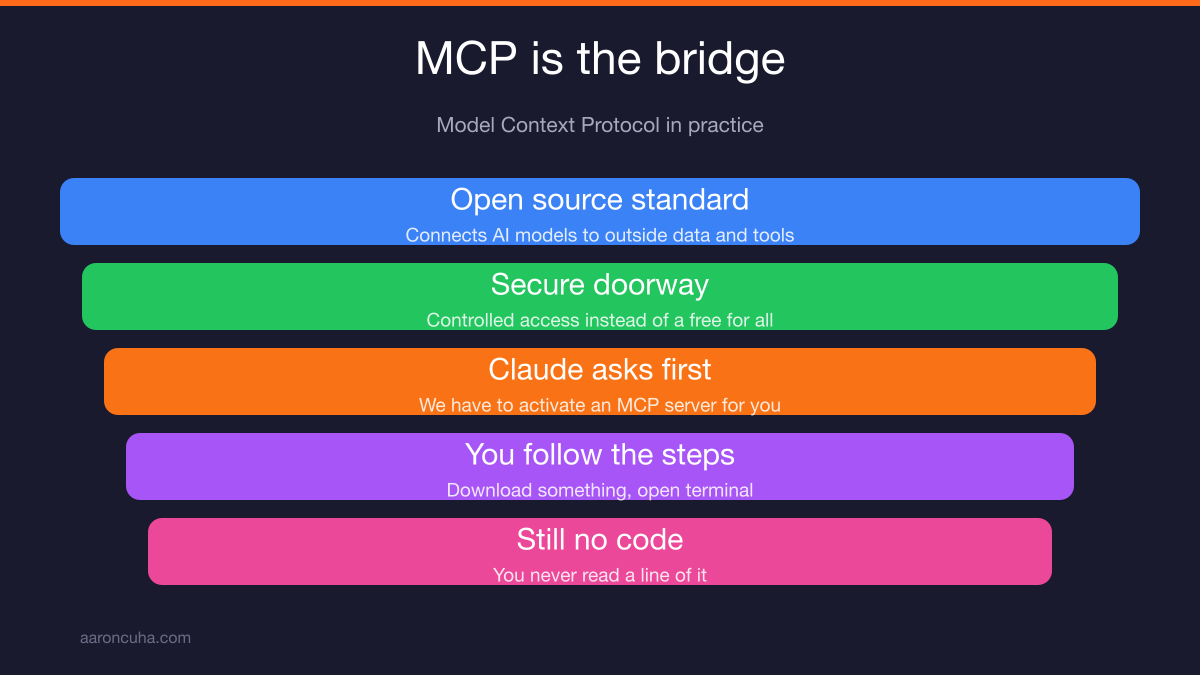
MCP stands for Model Context Protocol. It is an open source standard that lets AI models connect to outside data and tools. It is the bridge that gives Claude the ability to use APIs securely.
You are going to see this term the moment you start doing real work in Claude. So know what it is before it shows up.
MCP securely connects external data tools to software applications. It acts as the bridge between the two.
Here is what it looks like in practice. Claude will tell you something like, "We have to activate an MCP server for you." Then it will tell you to download something and open terminal.
It looks complicated. It is not.
You follow the steps Claude gives you. You still do not read a single line of code. You can read more about the standard on the Anthropic announcement page.
The point of MCP is permission and safety. It gives Claude a controlled doorway into your tools instead of a free-for-all.
Why I Use Visual Basic to Watch Claude Work
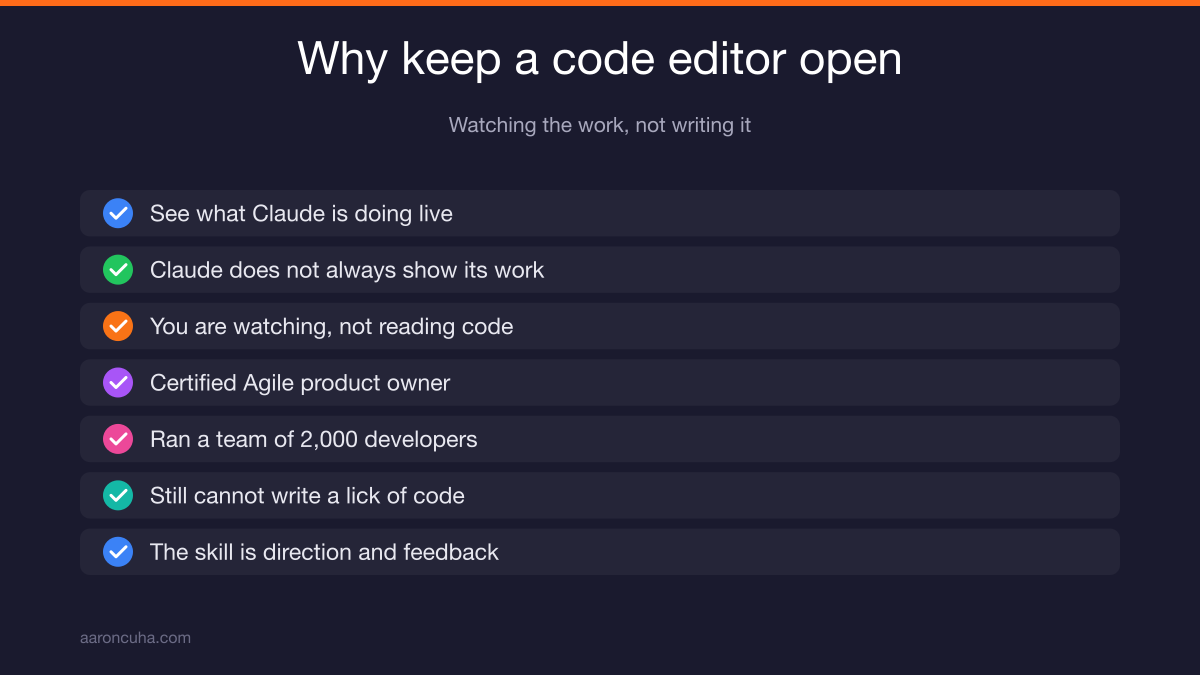
A code editor lets you see what Claude is doing while it builds. Visual Basic is the tool I use to watch the work happen in real time.
When Claude writes, it does not always show you what it is doing. With a code editor open, I can see exactly what it is doing.
To be clear, I am not reading or writing any code. I am watching.
Let me give you my honest skill inventory, because it matters for what comes next.
- I studied code.
- I can read and write HTML, which is useless now.
- I am a certified Agile product owner and product manager.
- At Fiserv, I ran a team of developers.
- I ran a team of 2,000 developers.
- I still cannot write a lick of code.
So what am I actually doing? I am managing Claude.
That is the shift. The skill is not syntax. The skill is direction, scope, and feedback. That is the same argument I make in AI will not replace you, but someone using AI will.
The Agile Framework Is the Best Way to Talk to Claude
Stop describing code and start telling stories. The Agile framework for AI prompting is the single most useful thing I brought from my old career.
In the old days, I would try to explain a mortgage product to a developer. You log on to somebody's website, it is an application, you apply, it pulls your credit, it underwrites your file, it asks for documents, and it gives you an approval.
The problem is obvious. A programmer does not understand what a loan application or a FICO score is.
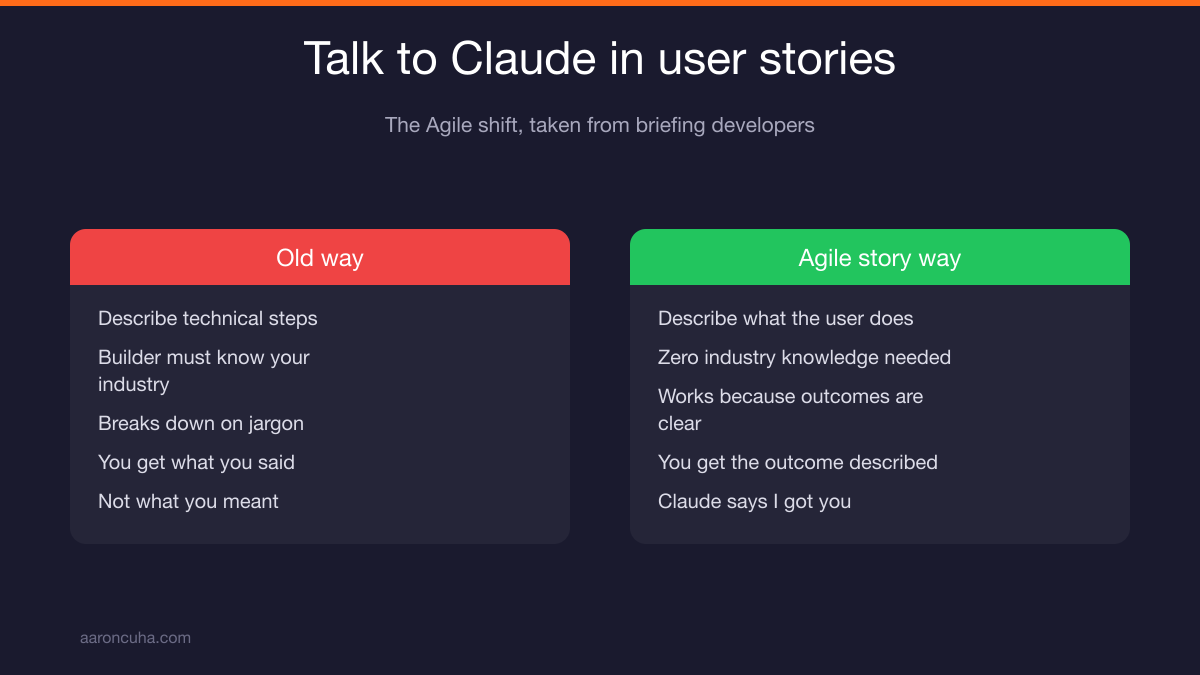
Agile solved that. Instead of telling the developer what the code needs to do, you tell a story.
It sounds like this. "I want somebody to go online and see an application with these fields. When they fill it out, this happens. After that, these results come back, and this is how the user sees them."
The developer learns through the story how to write the code. He does not have to understand the business. He can still build it.
Claude responds exactly the same way. Talk to it in user stories and it says, "Oh, okay. I understand. I got you."
| Old Way | Agile Story Way |
|---|---|
| Describe the technical steps you half understand | Describe what the user sees and does |
| Requires the builder to know your industry | Requires zero industry knowledge |
| Breaks down when you use jargon | Works because outcomes are clear |
| You get what you said, not what you meant | You get the outcome you described |
If you want the formal background, the Agile Manifesto is a short read and it still holds up.
How I Built My Website by Talking to Claude
I told Claude what I wanted, then let it research before it built anything. That order matters more than any prompt trick.
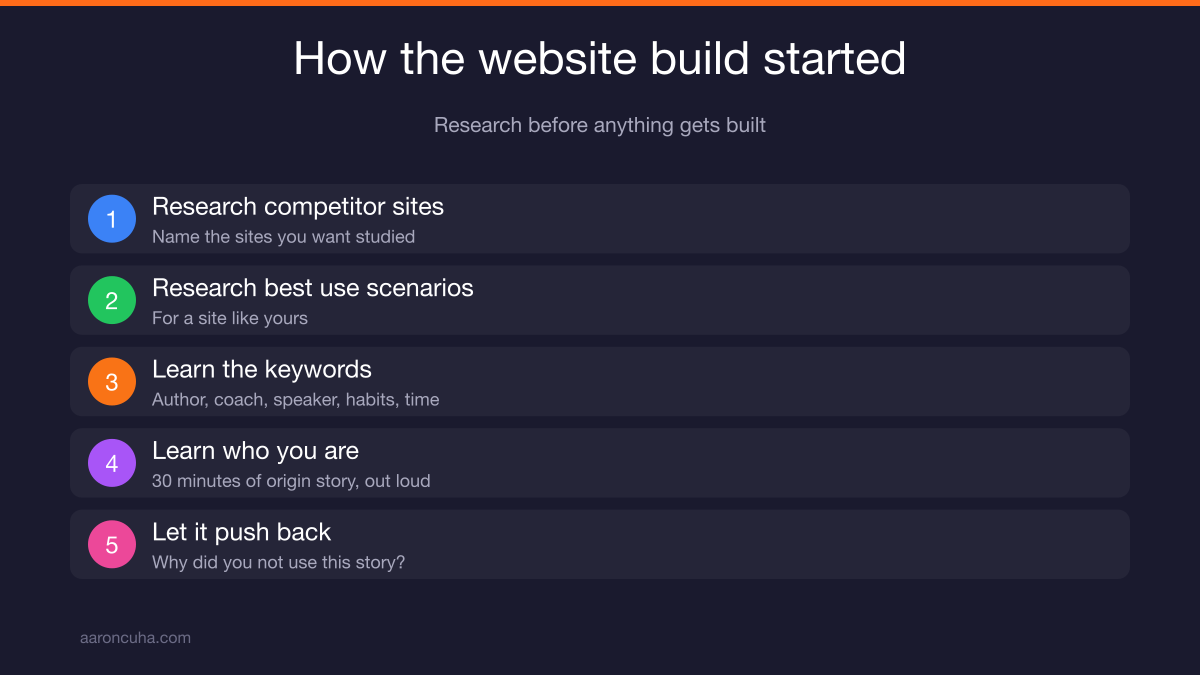
Here is the exact sequence I used.
- Research the competitor sites I named.
- Research best use scenarios for a site like mine.
- Learn every keyword in the author, coach, and speaker space, including motivation, habits, and time management.
- Learn who I am.
That last step is the one most people skip. I talked to Claude for 30 minutes and gave it my origin story.
I told it about losing everything. I told it about attempting suicide. I told it about going to Nepal. The whole story, out loud, in my own words.
Because of that, Claude completely understood how to write my bio, how to sell my public speaking, and how to talk about who I am. It knew my persona.
Then it did something I did not expect. It said, "I noticed you said this here. Why did you not use this story? This story is amazing for you."
I had not even thought about it. That is the difference between a tool and a collaborator.
Every person's build will be different, because every person's story is different. That is why personal branding work has to come before the technical work.
Ready to build your version of this? Grab a Channel Audit and Plan and I will show you what to build first.
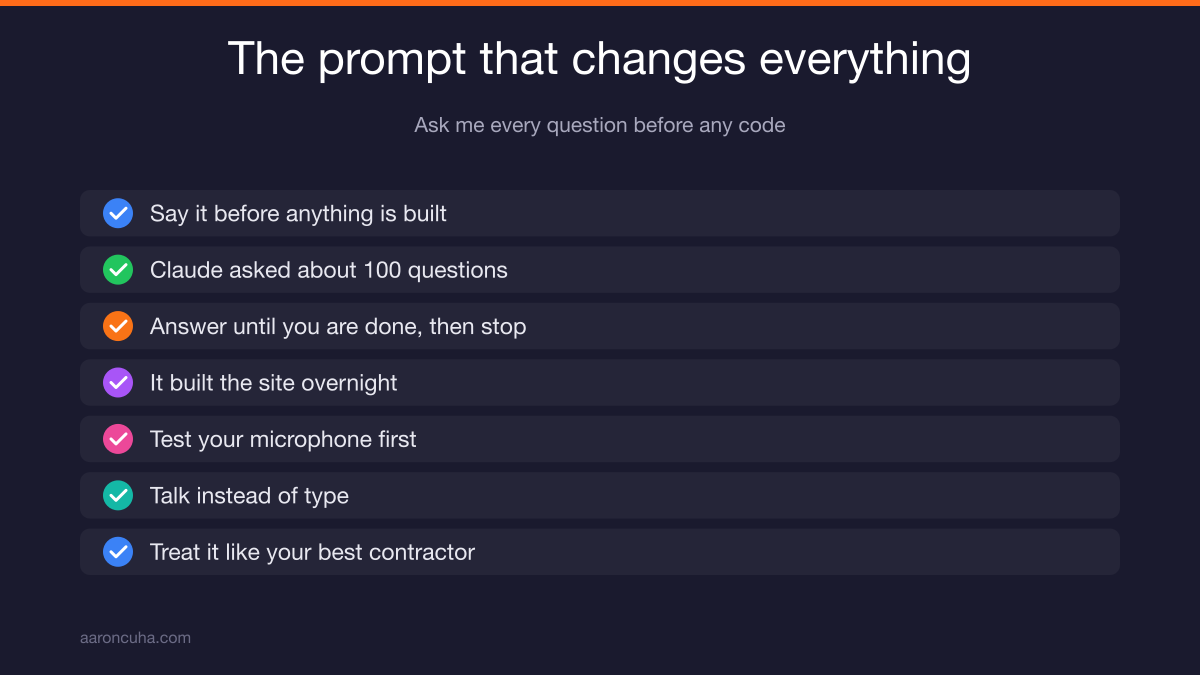
The One Prompt That Changes Everything: Ask Me Every Question
Before any code gets written, tell Claude to ask you every possible question about the project. This is the highest leverage sentence in this entire tutorial.
The exact wording I use is simple. "Do me a favor. Before we do anything, before we write any code, ask me every possible question you could have about this."
For my personal website, Claude asked me roughly a hundred questions.
I answered until 9:00 at night. Then I said that was the last question and went to bed.
Claude built the website while I was sleeping.
Two setup notes before you try this.
- Test your microphone first. When you open Claude you will see a small microphone icon. I have multiple microphones and it does not always work right, so I test it every time.
- Talk instead of type. Once the mic works, just start talking. Here is what I want. Here is what I am trying to design. Here is what I want to build.
And remember what you are talking to. It is an AI. It is intelligent. Arguably more intelligent than you and me.
Think about ten versions from now. The current version wrote the next version. People are not writing AI anymore. AI is writing AI.
So stop treating it like a search box. Treat it like the smartest contractor you have ever hired. That mindset shift is the core of building an AI content engine that actually produces.
How to Fix Output That Looks AI-Generated
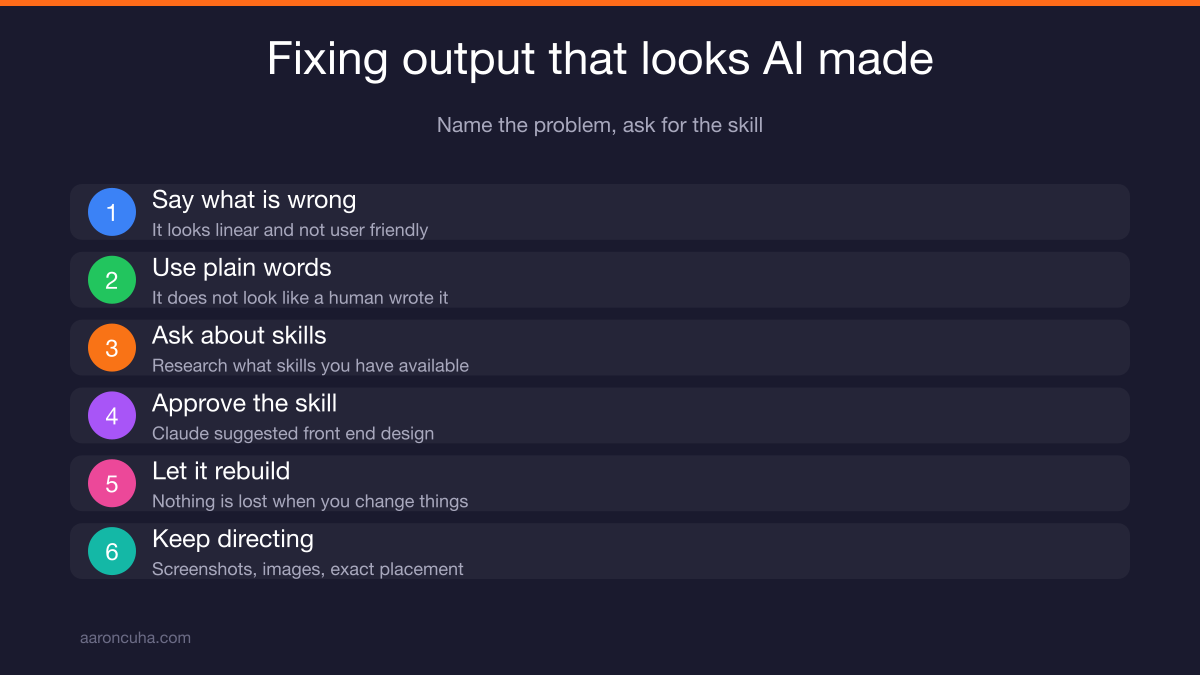
Tell Claude what is wrong in plain words, then ask it what skills it has available to fix it. You do not need to know the solution. You only need to name the problem.
When I woke up, the first draft of my site did not look like it looks now. There was no video. There were no images.
The content was there. The structure was there. But it looked really AI.
Claude asked me what I meant. I said it looks linear, it does not look user friendly, and it does not look like a human wrote it. It looks like an AI wrote it.
Claude said, "Oh, okay."
Then I asked the question that fixed it. "Research what skills you have available that could make this look better."
Claude came back and said there is a skill called front-end design, and it will make this look a lot better. I said let's use front-end design. Claude said okay and rebuilt it.
From there, I have full control without touching code.
- I can take screenshots of anything I want and hand them over.
- I can add any images I want.
- I can tell it exactly where I want things placed.
- If something is not working, I can say change that to this, or start over.
The website does not disappear when you do that. Nothing is lost.
I do not use Wix. I do not use WordPress. I do not use anything else.
GitHub and Vercel: Where Your Site Actually Lives
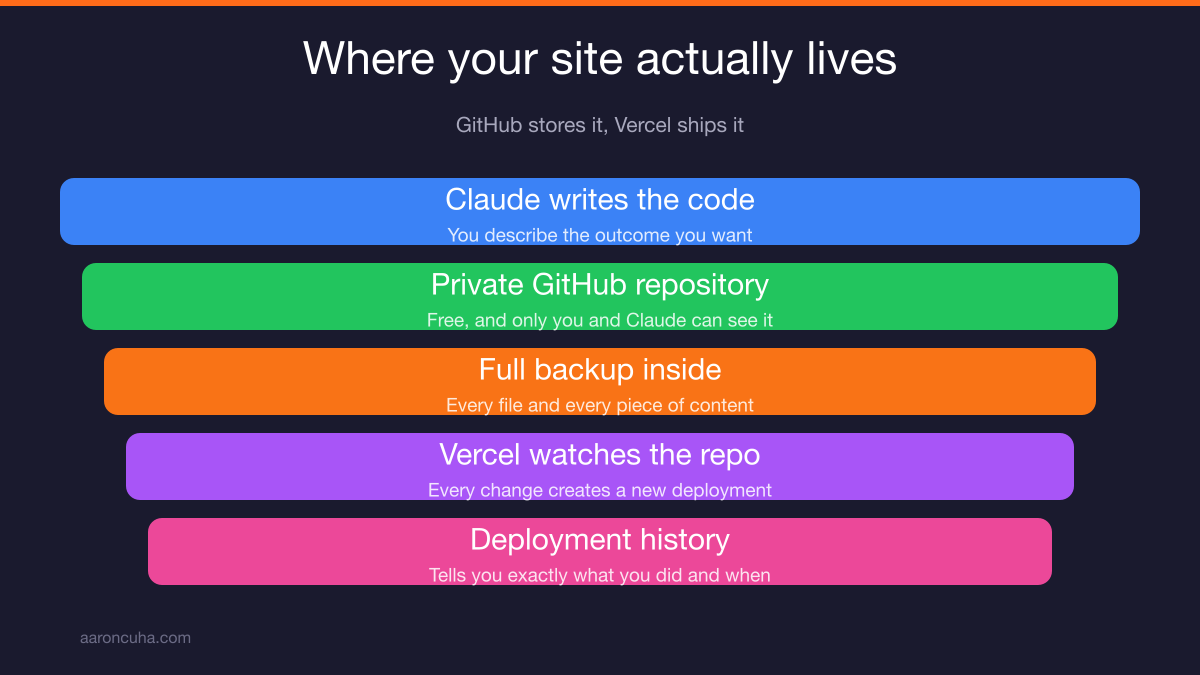
Claude stores the code in a private GitHub repository and Vercel deploys it. You do not have to understand either one to use both.
I asked Claude the best way to host the site. I mentioned I already had a virtual private server.
Claude said if I want live releases, updates, blog posts, and full automation, there is a better path. That path was GitHub plus Vercel.
GitHub is a repository for content. It is free. It costs nothing.
Every repository I have is private. Only Claude and I can see it.
That repository holds the entire website. All of the code. Every piece of content, as a full backup.
If I open it, I can see every single file that lives on my site. I could publish that repository through any number of services and get the exact same website back.
Keep yours private for a reason. Public code on GitHub could have been written by anybody, so I do not pull from it blindly.
I had used GitHub before last week for searching. I had never had a private repository of my own until I built that first site. You can see how it works on the GitHub documentation.
Vercel watches the repository. Every time something changes, it creates a new deployment.
Real examples from my own deployment log:
- Adding spam protection to the strategy session page.
- Switching a form to the phone text attribute instead of SMS.
- Building the Living in Cabo guide.
I told Claude what I wanted and Claude matched it. The deployment history tells me exactly what I did and when.
I had never heard of Vercel before last week. The only reason I know about it is that Claude uploaded my site there without telling me.
My old virtual private server used to require a root name and password every time I pushed anything. In a couple of months, I will not need that server at all. You can read the deployment basics on the Vercel documentation.
How to Run Claude Like a Product Manager, Not a Chatbot
Your job is scope, stories, questions, and feedback loops. That is the entire role. Claude handles execution.
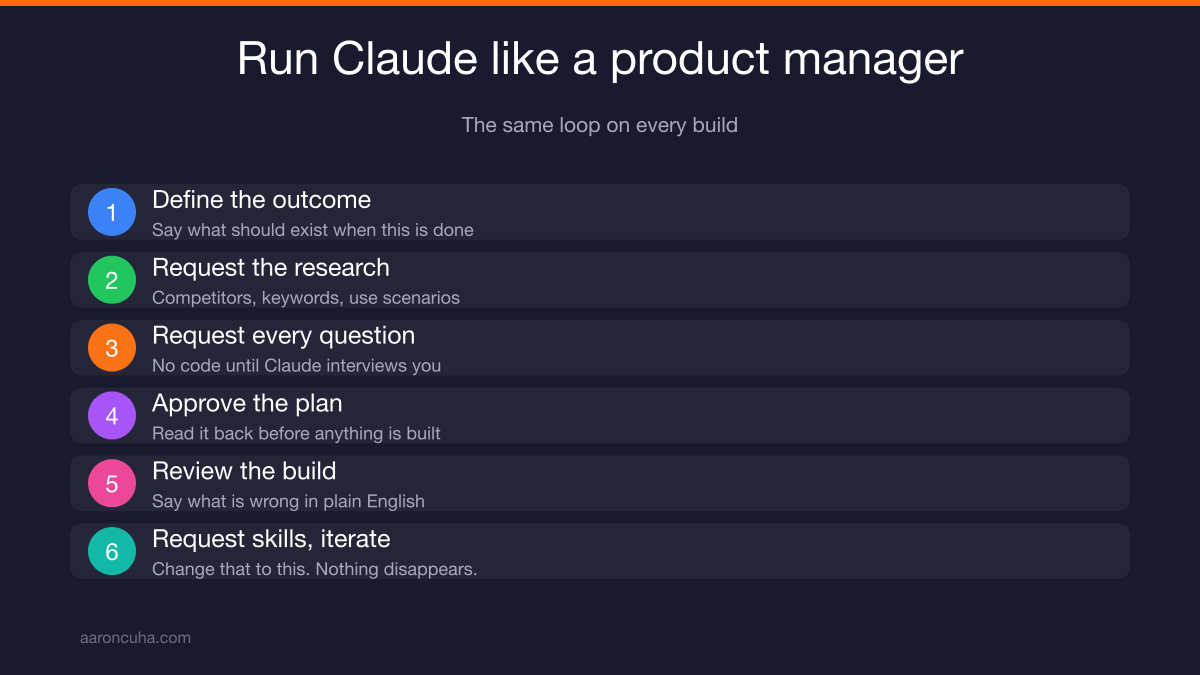
Here is the repeatable sequence I use on every build.
- Define the outcome. Say what you want to exist when this is done.
- Request the research. Name competitor sites, keywords, and best use scenarios.
- Request every question. No code until Claude has interviewed you.
- Approve the plan. Read it back before anything gets built.
- Review the build. Say what is wrong in plain English.
- Request skills. Ask what capabilities Claude has to fix it.
- Iterate. Change that to this. Start over. Nothing disappears.
Notice what is missing from that list. Nowhere do you write code. Nowhere do you read code.
This is the same muscle as delegating to a person. You are giving clear outcomes and holding a standard, which is exactly what I cover in how to delegate as an entrepreneur.
The mindset difference is the whole game. A chatbot user asks a question and gets an answer. A product manager defines an outcome and gets an asset.
You are not doing a task. You are building something that keeps producing after you walk away. That is AI systems thinking, not hustle thinking.
Where to Start This Week
Pick one small build and one API connection. Do not try to rebuild your whole business in a weekend.
Here are the starting projects straight from what I actually built.
- A YouTube analytics dashboard. Generate your YouTube API key, hand it to Claude, and ask for a dashboard of impressions, views, and comments.
- A CRM data pull. Get the API key from your CRM and ask Claude to tell you what needs attention today.
- A guide or lead magnet. Tell Claude the outcome, let it ask you questions, and let it build the page.
- A personal site. Research, origin story, hundred questions, sleep, review, front-end design.
Whichever one you pick, run the same loop. Define the outcome. Ask for every question. Approve. Review. Request skills. Iterate.
Most people still believe coding is required to use AI at a serious level. That assumption is already obsolete.
The people who figure this out first are not the most technical people in the room. They are the ones who know how to describe an outcome clearly and hold a standard.
You already do that in your business every day. Now point it at Claude.
If you want the systems side of this built with you instead of by you, join the Systems Over Hustle community and start your first build this week.
Frequently Asked Questions

Written by
Aaron CuhaAuthor of Crazy Simple YouTube, keynote speaker, and executive coach with 20,000+ hours logged. ICF PCC, NLP Master Practitioner, and DISC Certified. Aaron helps entrepreneurs replace hustle with AI-powered systems that generate leads, content, and revenue on autopilot.